
Webgarh product
Dofeeds: supplier feeds and migrations, automated
Supplier feed automation and the migration engine behind our Zero Gap method. Dofeeds has powered 20+ large-catalog migrations.
- Built and run by Webgarh
- 80+ engineers since 2010

What Dofeeds does
Dofeeds reads CSV, XML and API feeds, maps them to Shopify products, variants and metafields, and keeps them in sync on schedule.
The same engine moves products, variants, customers and orders in our migrations, with validation at every step, so mismatches are caught before launch, not by your customers.
How Dofeeds keeps supplier data in Shopify
Map supplier columns to Shopify fields
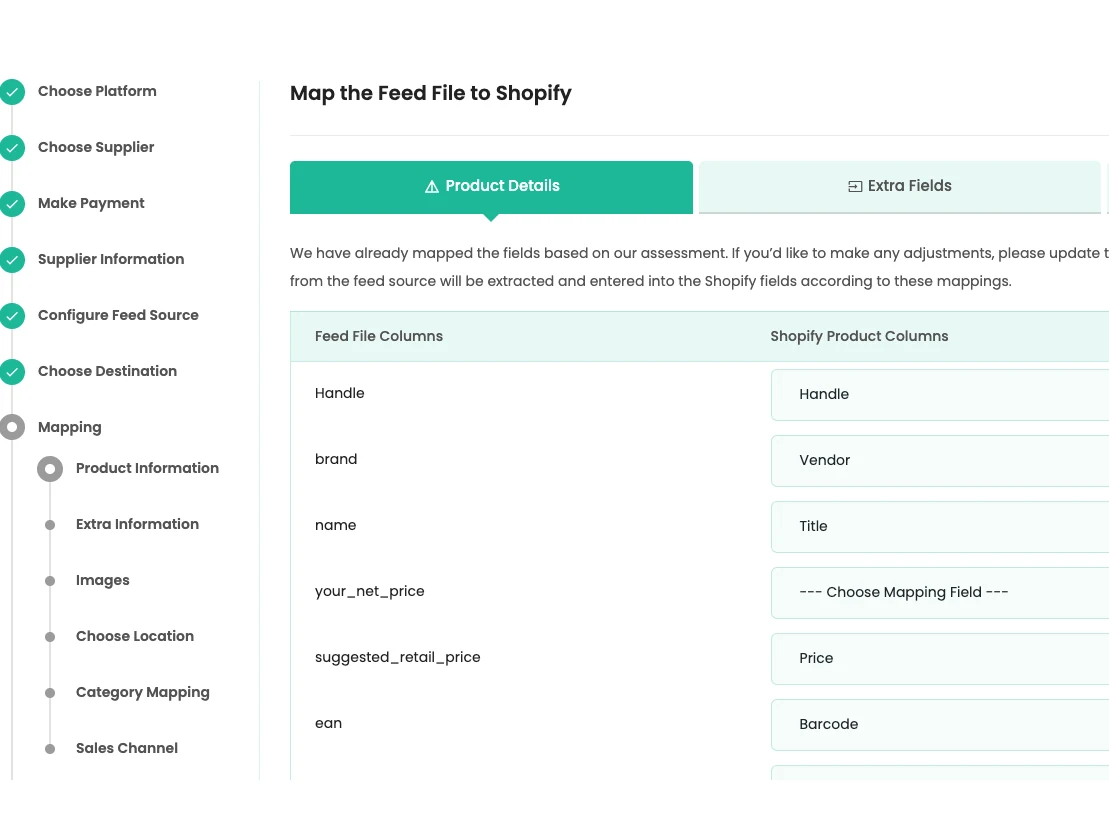
Dofeeds suggests a Shopify field for each column in a supplier feed, such as brand to Vendor and ean to Barcode, and you change any mapping before the first sync.
Each store profile is set up step by step: platform, supplier, feed source, destination, mapping, images, location, categories and sales channels.
Features
CSV, XML and API feeds
Field mapping to products, variants and metafields
Price markups and stock thresholds
Scheduled syncs with logs and retries
Alerts on failed imports or price errors
Migration validation before launch
Powers the Zero Gap method
Every Zero Gap migration runs on Dofeeds, from the readiness assessment to the cutover.
The Zero Gap methodWhy we built Dofeeds
Supplier formats are messy
Because we own the engine, we adapt it to awkward supplier formats instead of forcing your catalog to fit a tool.
Migrations need proof
Every record is checked against the source with test runs and count reports before launch.
Every sync on the record
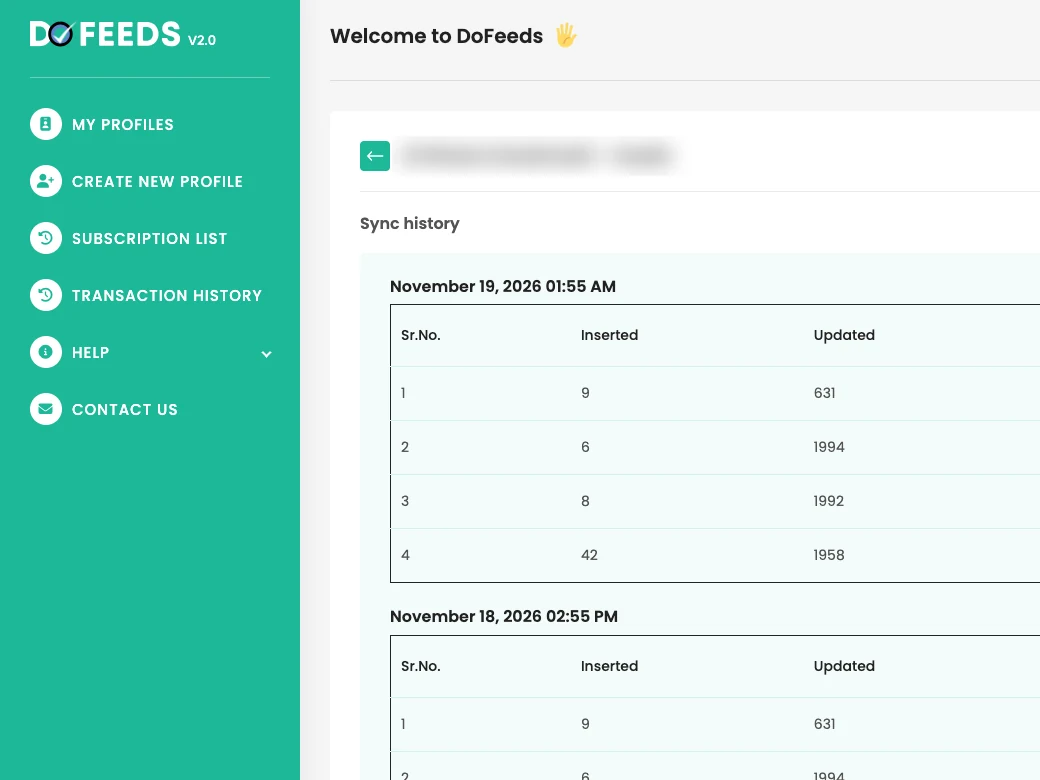
Each sync is logged with the products inserted, updated and skipped, so you can see what changed in the store and when.
In this store, one supplier run adds a few new products and updates close to 2,000 existing ones.
Dofeeds in production
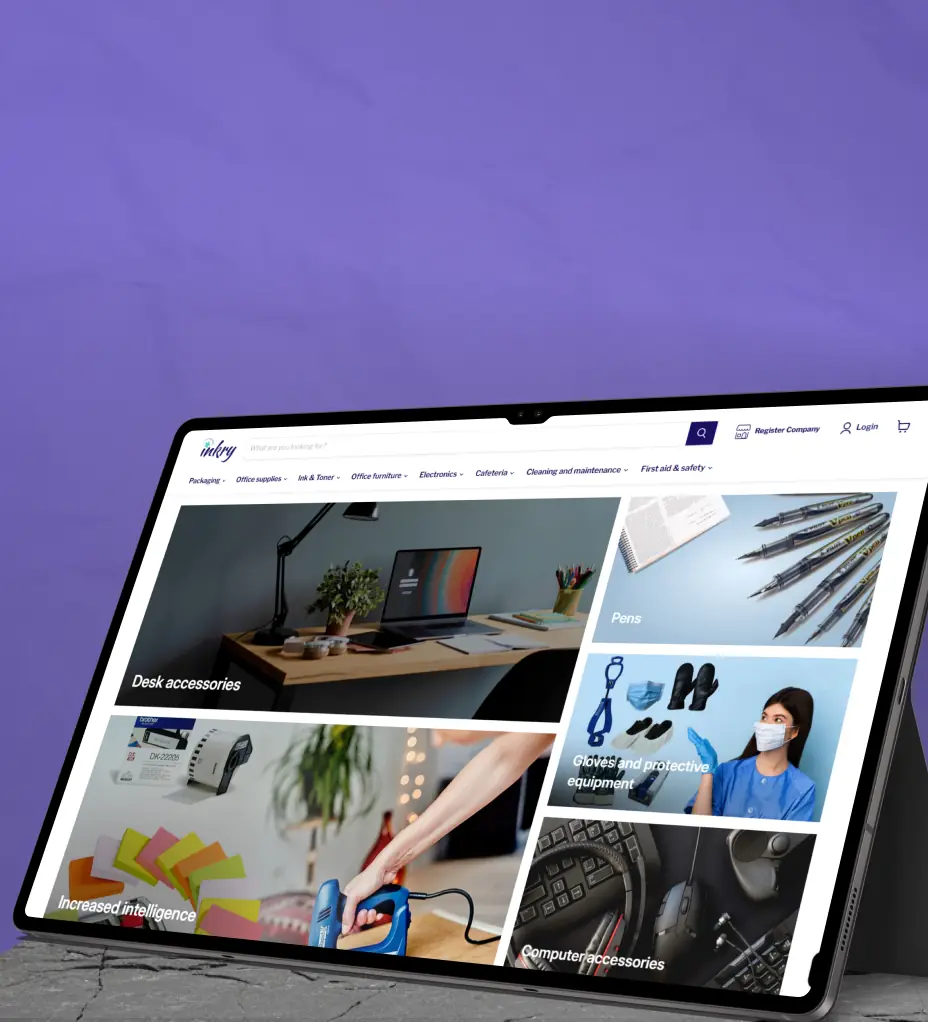
90%
less manual processing
Inkry
Supplier product updates synced into Shopify through Dofeeds, with the order flow automated
Read the case study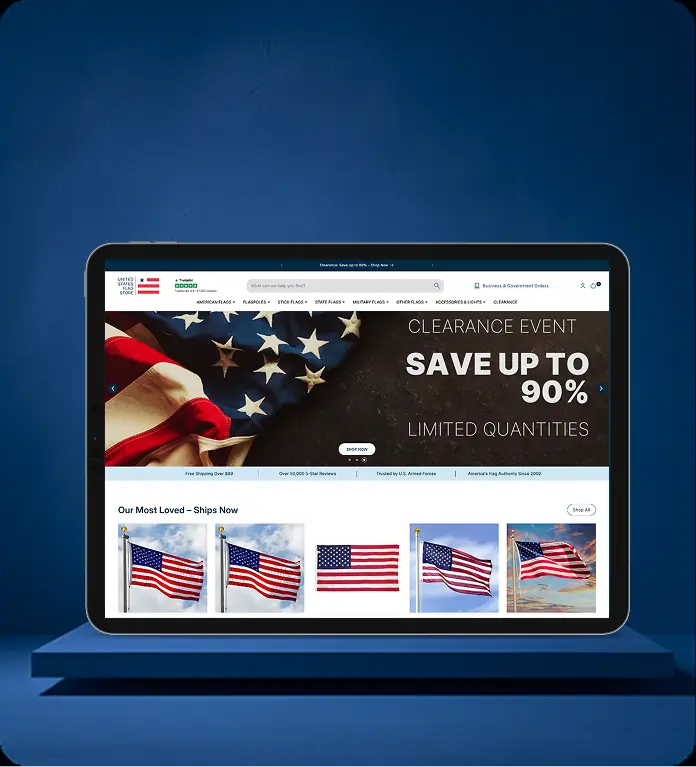
+15%
revenue, 90% less fraud
United States Flag Store
BigCommerce to Shopify Plus, B2B and fraud controls
Read the case study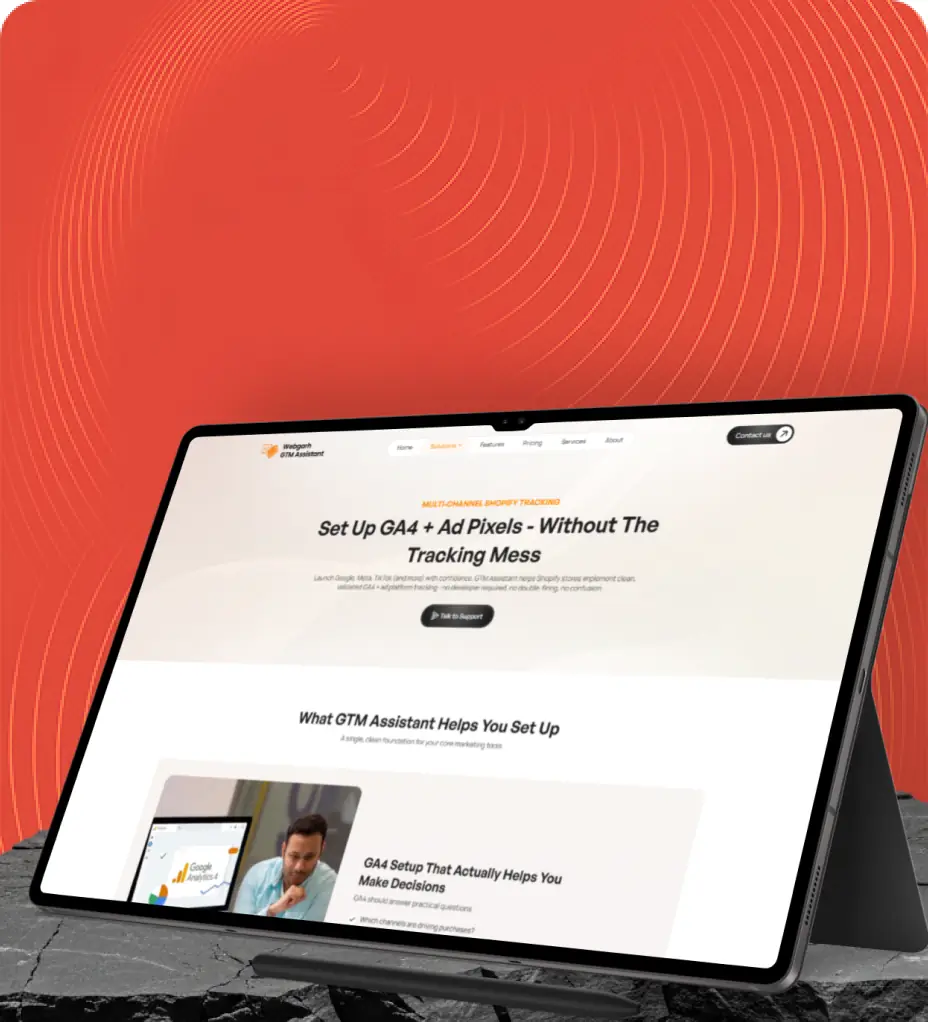
250+
Shopify stores running our tracking app
GTM Assistant
Our own server-side tracking app
Read the case study
Frequently asked questions
Is Dofeeds a separate subscription?
For migration clients, Dofeeds is included in the migration quote. For everyone else, it's a separate subscription.
Can you handle suppliers with poor data?
Yes. We clean and standardize titles, variants and attributes during mapping and flag records that can't be fixed automatically.
Is Dofeeds used in every migration?
Yes. It powers every Zero Gap migration.
Stop uploading supplier files by hand
Send us a sample supplier feed. You'll hear back within 24 hours.
Request a feed assessment